

Starter's Guide to create Landing Pages
Building a Landing Page was never so Easy & Interactive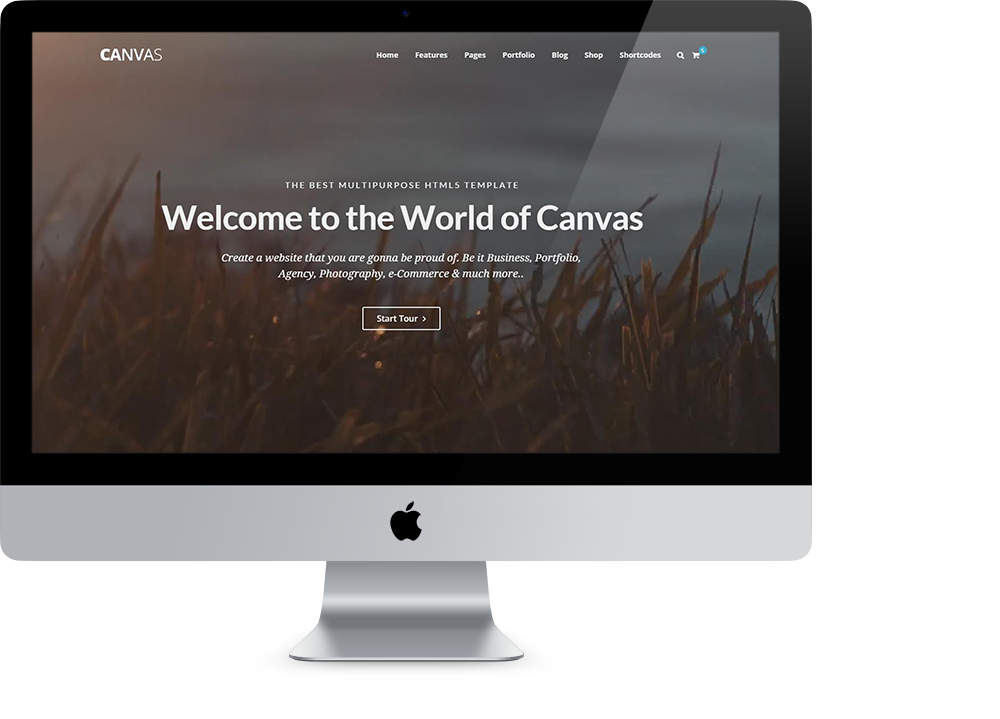
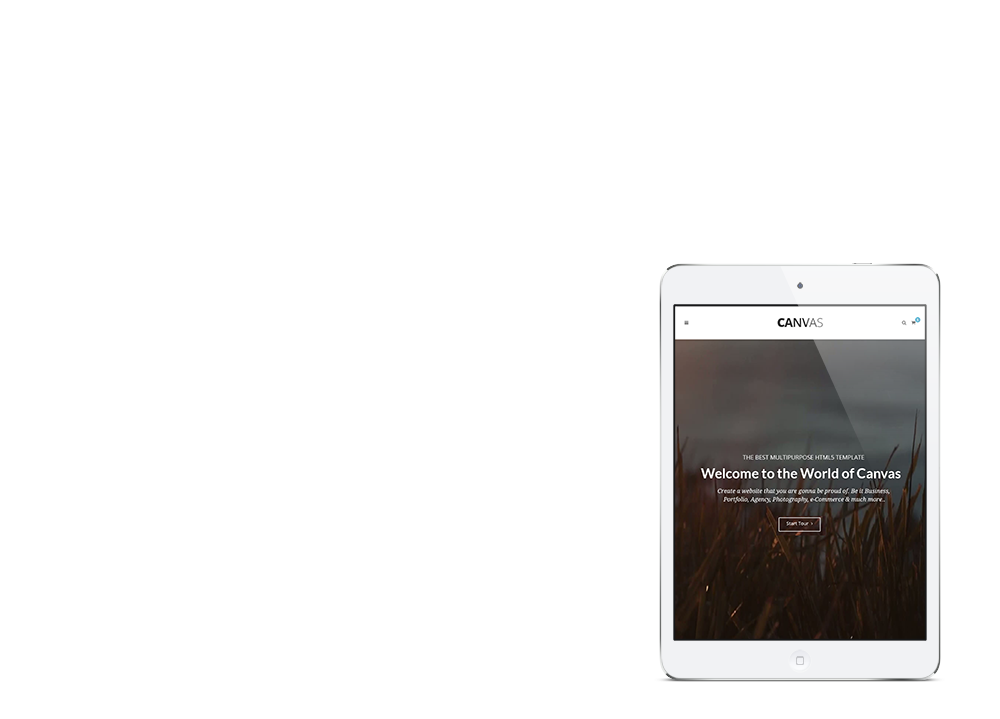

Short Overview.
Canvas gives you everything you need to build a professional website without complex code. Its visual builder, pre-designed blocks, and intuitive controls make it simple to go from concept to a polished, live site in hours, not days.
Start with a template or build from scratch — either way, clean semantic markup ensures pages load fast and rank well.
- Interactive Live Builder
- Valid HTML5 & CSS3 Semantics
- 100% Open Source & Customizable
- More than 70+ Widgets
- Responsive & Retina Devices Support
- Easy Embeddable Media & Graphics
- Lifetime FREE Updates
Features Overview
Some of the Features that are gonna blow your mind off
Responsive Layout
Powerful Layout with Responsive functionality that can be adapted to any screen size. Resize browser to view.

Retina Graphics
Looks beautiful & ultra-sharp on Retina Screen Displays. Retina Icons, Fonts & all others graphics are optimized.

Powerful Performance
Canvas includes tons of optimized code that are completely customizable and deliver unmatched fast performance.

Endless Possibilities
You have complete easy control on each & every element that provides endless customization possibilities.

Light & Dark Scheme
Change your Website's Primary Scheme instantly by simply adding the dark class to the body.

Customizable Fonts
Use any Font you like from Google Web Fonts, Typekit or other Web Fonts. They will blend in perfectly.

Responsive Layout
Powerful Layout with Responsive functionality that can be adapted to any screen size. Resize browser to view.

Retina Graphics
Looks beautiful & ultra-sharp on Retina Screen Displays. Retina Icons, Fonts & all others graphics are optimized.

Powerful Performance
Canvas includes tons of optimized code that are completely customizable and deliver unmatched fast performance.
Smart Pricing
Flexible & Easy Pricing for wide Audience GroupsFrequently Asked Questions
We have answered a wide range of Questions for your ConvenienceQ. How do I become an author?
To become a marketplace author, create an account and review the submission guidelines. Once approved, upload your item for our team to check quality, coding standards, and documentation. Items that pass review go live on the marketplace, where you earn a commission on every sale from day one.
Q. Helpful Resources for Authors
We provide a comprehensive Author Help Center with step-by-step guides covering item preparation, pricing strategies, and customer support best practices. You'll find video tutorials, community forums, and a dedicated author blog with tips from top sellers. Whether just starting out or scaling an established portfolio, these resources are designed to help you grow earnings efficiently.
Q. How much money can I make?
Earnings vary by item category, quality, and marketing effort. Entry-level authors often earn a few hundred dollars monthly, while top-tier authors with strong portfolios can earn thousands. Your commission rate increases as total sales grow, rewarding consistent performance. Maintaining high ratings through good support and regular updates directly boosts discoverability and drives sustained long-term income from your portfolio.
Q. An Introduction to the Marketplaces for Authors
The marketplace connects buyers and sellers of digital creative assets including themes, plugins, and graphic elements. Authors list items at a set price and earn commission on each sale. The platform handles payment processing and delivery, so you can focus entirely on creating high-quality products.
Q. What Images, Videos, Code or Music Can I Use in my Items?
You may include images, videos, audio, or code in your items provided you hold the rights or have appropriate licenses. Stock assets from reputable providers are acceptable when their licenses permit redistribution in a commercial product. Music must be licensed for inclusion in resalable templates. Always document third-party assets in your item's documentation so buyers understand licensing obligations before deploying the template on client projects.
Q. Can I use trademarked names in my items?
Using trademarked brand names in item names, descriptions, or previews is generally not permitted without explicit written permission from the trademark holder. This includes referencing major software platforms, social media brands, or corporate logos in a way that implies endorsement or official affiliation. Generic descriptive names are always safest. If your template showcases a common use case, describe the functionality rather than naming the specific brand your design resembles.
When in doubt, consult the marketplace's Intellectual Property Policy or contact support before submission. Violating trademark rules can result in item removal and account penalties, so always verify your content is fully compliant before uploading your work.
Q. Tips for Increasing Your Referral Income
The most effective referral strategy combines content marketing with targeted outreach. Write tutorials or comparison articles that naturally link to your items using your unique referral URL. Share your work in relevant communities and social media groups where your target audience spends time. Offering exclusive discounts through your referral links significantly lifts conversion rates. Track which channels bring the highest-quality traffic and double down on those for maximum income.